
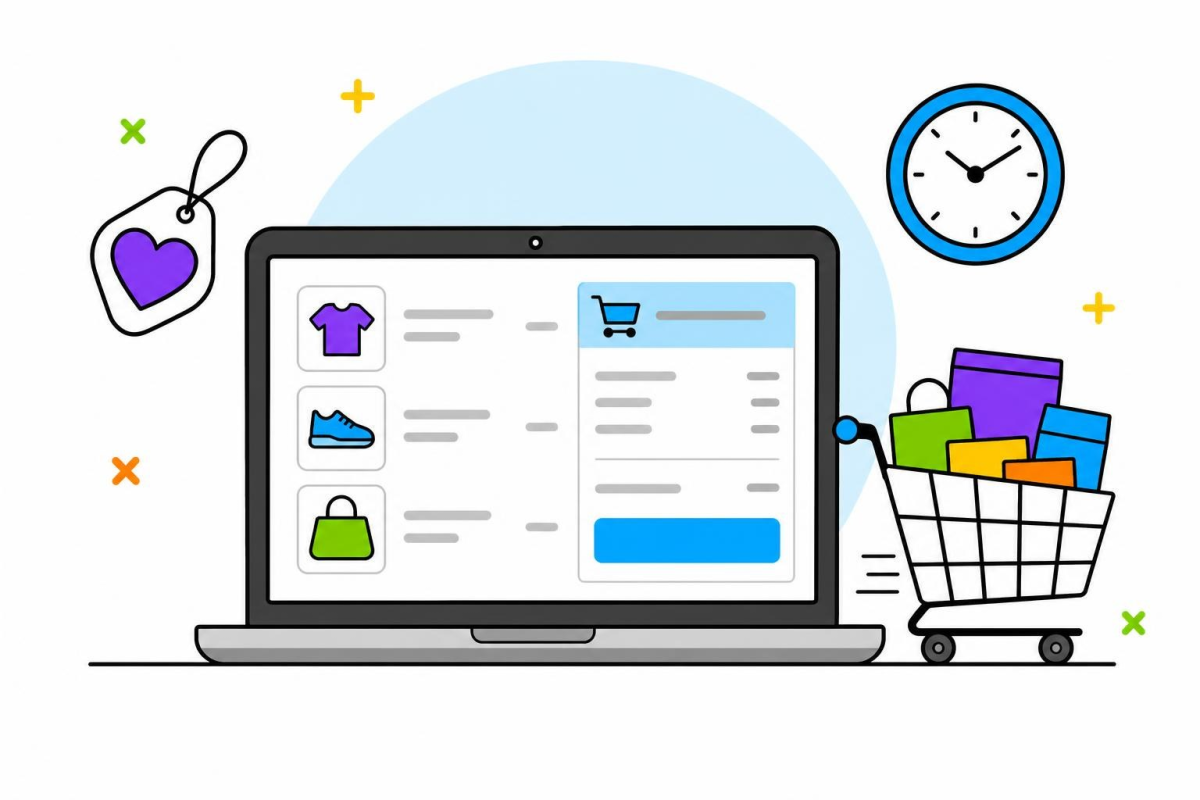
A customer adds products to the basket, reaches the checkout and then disappears. For a small shop this is frustrating, because the person was very close to buying. Some abandoned carts are normal: the visitor was comparing prices, checking delivery or simply making a note of products. Others, however, point to a concrete problem in your shop that you can fix.
In WooCommerce the causes repeat from shop to shop: costs revealed too late, a compulsory account, long forms, payments that fail or a checkout that is clumsy on a phone. Below you will see how to find where people leave, what to fix first and how to use reminder e-mails without breaking the rules on consent.
1. Find out where people leave, not just how many
Before changing anything, try to see at which step the purchase stops. A visitor who adds a product and leaves immediately has a different reason from one who fills in an address and gives up when choosing a payment method.
- Basket to checkout: people do not move on from the basket; they are looking for the shipping cost or delivery time.
- Billing details: they abandon the form; check the number of fields and whether an account is required.
- Payment: they give up when choosing or confirming payment; check processor errors and available methods.
Orders with a pending payment or failed status in WooCommerce are a useful clue too: they show shoppers who reached the end but did not pay. If you measure conversions with an analytics tool, define each checkout step as a separate event so you can see exactly where the journey breaks.
2. Not every exit is a lost sale: let shoppers save products
Some visitors use the basket as a notepad. They are comparing options, waiting for payday, asking a family member or looking for a gift for later. If the basket is the only place to keep products, and it empties when the browser closes, next time they start from scratch or buy elsewhere.
For these people a save feature is more useful than a pushy message. The guide on wishlists in WooCommerce explains when the feature is worth adding, how to choose between saving with or without an account and what to do with products that sell out in the meantime.
- Keep the “Add to basket” button clearly separate from the save button.
- Offer a discreet link in the basket to move a product to “save for later”.
- Avoid requiring an account just to save a product, where you can.
3. Unexpected costs at the last step
The most common unpleasant surprise is a shipping charge shown only at the final step. The customer accepted a price on the product page, and then the total goes up. Even if the difference is small, the feeling that something was hidden makes them stop.
What to fix
- Show the estimated delivery cost, or the threshold where shipping changes, on the product page or in the basket.
- Let shoppers calculate shipping in the basket, before the full form.
- Show prices including VAT for consumer customers.
- Explain fees for cash on delivery or special packaging before the last step.
Correctly configured shipping zones and methods are the basis for all of this. If shipping varies by location or weight, follow the guide on WooCommerce shipping zones and check the result with real addresses from several zones.
4. Compulsory accounts and overly long forms
For a new shopper, having to create an account, with a password and an e-mail confirmation, is one more obstacle just as they want to finish. Many give up, or come back later and cannot remember where they were. Guest checkout, with the option to create an account after ordering, usually solves this without losing loyal customers. The pros and cons are covered in the guide on guest checkout in WooCommerce.
Simplify the checkout form
- Remove fields you do not use: a second address line, a company name for consumers, duplicated fields.
- Show company fields (tax ID, trade register number) only when the buyer asks for a business invoice.
- Keep the data already entered if an error occurs and the page reloads.
- Use clear labels and error messages next to the faulty field.
5. Payment problems and a slow checkout on mobile
A customer who gets past the form and stops at payment usually has a practical problem: their preferred method is missing, the processor's page shows an error or the extra card authentication does not complete. Test the whole journey regularly with small real payments or in the processor's test mode, and watch the error logs. How to choose methods and test step by step is described in the guide on WooCommerce payments.
On a phone the same problems hurt more. A slow checkout page, small buttons, pop-ups over the form or a keyboard covering the active field are enough for someone to give up. Check:
- how long the basket and checkout take to load on mobile data;
- whether plugins load heavy scripts on the payment page where they are not needed;
- whether the place-order button is visible and cannot be pressed twice;
- whether the redirect to the processor and back to the shop works in several browsers.
Speed also depends on server resources: a shop with many plugins needs more memory and processing than a brochure site. If you are comparing WordPress hosting plans for a shop, look at the actual limits rather than the plan name.
6. Reminder e-mails, with consent
Abandoned cart plugins can store the e-mail address typed into the form and send a reminder. It is a useful feature, but it raises personal data questions: the address is collected before the person submits the order, and the message may be commercial in nature.
- Inform clearly: next to the e-mail field, say that the address may be used to remind them about their basket.
- Ask for agreement: an unticked box for reminder or marketing messages is the safest option.
- Limit frequency: one or two messages are enough; do not turn a reminder into a pressure campaign.
- Offer an opt-out: every message includes a simple unsubscribe link.
- Delete data: decide after how long unused baskets and addresses are removed.
Regulation (EU) 2016/679 (GDPR) requires a legal basis for processing and information for the person concerned, and commercial e-mail has its own rules as well. Update your privacy policy to cover this processing and, if you are unsure about the wording, ask a specialist. For people who want news and offers, a separate newsletter with explicit sign-up is the cleaner route.
7. Checklist and conclusion
Work through the list below one item at a time and measure the effect of each change:
- You know at which checkout step most shoppers leave.
- The shipping cost is visible before the last step.
- Guest checkout is possible, or you have a clear reason to require an account.
- The checkout form contains only the fields you need.
- Every payment method has been tested recently, including on a phone.
- The checkout loads quickly on mobile data.
- Visitors can save products for later without using the basket.
- Reminders go out only with information and consent, and with an unsubscribe link.
- You have decided how long abandoned cart data is kept.
You will never remove abandoned carts entirely, and you do not need to. The aim is not to lose shoppers who wanted to order but hit an obstacle. Start with what your own data shows, fix hidden costs and unnecessary steps, check payments and give undecided visitors an easy way back.