

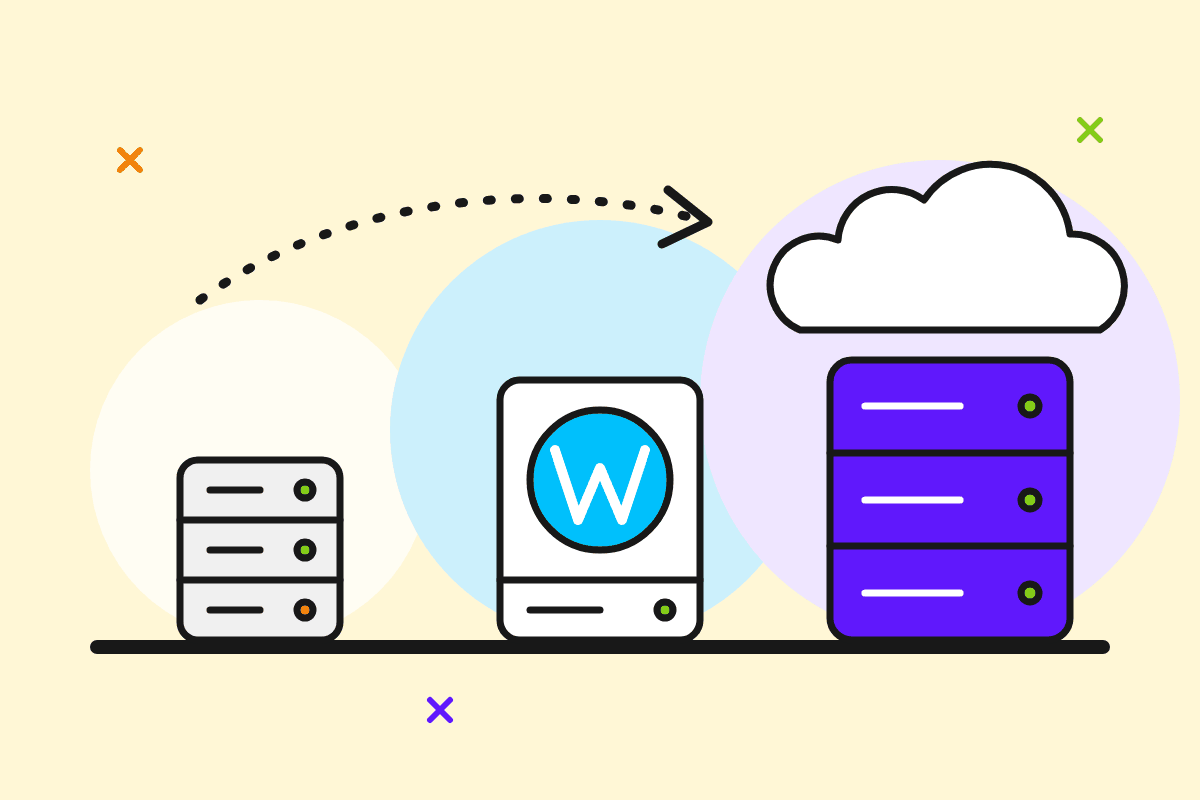
Shared, WordPress or cloud hosting? The right choice depends on your type of project, your traffic and how much technical hassle you're willing to take on. Here are the differences in plain language, a decision table by project type, and what the resources in a hosting plan actually mean.
The three types at a glance
Web hosting (shared)
Your site lives on a server alongside other sites, and the server's resources are split between accounts, each with its own limits. Think of an apartment block: the flat is yours, but the lifts and the plumbing are shared.
- Good for: presentation sites, company pages, portfolios, sites with low to moderate traffic.
- Pros: the lowest price, no server to manage, and a control panel for files, databases and e-mail.
- Limits: resources are capped per account, and a site that grows a lot can hit those caps.
WordPress hosting
Still hosting, but set up for WordPress: it's configured to run WordPress well, and installing and managing WordPress is more convenient. If you already know you want WordPress, this is the natural choice.
- Good for: blogs, presentation sites built in WordPress, small WooCommerce shops.
- Pros: you get started faster and can focus on content rather than the server.
- Keep in mind: updates to WordPress, themes and plugins are still up to you, and so are backups. Check what your plan includes.
Cloud hosting
You get more resources and more room to grow than with classic shared hosting. It suits projects past the starting stage, or anyone managing several sites.
- Good for: online shops with steady activity, sites with traffic spikes, agencies running several client sites.
- Pros: more processing power and memory, so pages hold up better under load.
- Keep in mind: it costs more. A presentation site with a few hundred visits a month doesn't need it.
Decision table: what fits you
| Project | Where to start | When to move up |
|---|---|---|
| Presentation site (company, practice, NGO) | Web hosting | Rarely needed, perhaps only if you add lots of features or get heavy traffic. |
| Personal or niche blog | WordPress hosting | When traffic grows steadily and pages start to feel slow. |
| Small online shop (tens to hundreds of products) | WordPress hosting, if you use WooCommerce | Campaigns, many daily orders or a large catalogue: cloud hosting. |
| Agency or freelancer with several sites | Cloud hosting | When you need full control of the server: VPS (coming soon). |
A practical rule: start with the plan that fits you today, not the one for "maybe in three years". You can usually move to a bigger plan when you actually need it.
What the resources in a plan mean
Pricing pages always use the same handful of terms. Here's what they mean for you.
- Storage. How much space you have for site files, databases and, usually, mailboxes. A presentation site uses very little. Large images, backups kept on the account and full mailboxes use the most.
- RAM and CPU (processing limits). How much work the server can do for your site at the same moment. They matter for dynamic sites (WordPress, shops) and for visitor spikes. When you hit them, the site slows down or shows temporary errors.
- Traffic (bandwidth). The amount of data sent to visitors: pages, images and downloads. An ordinary site uses little. Videos and large files hosted directly on the account use a lot.
- E-mail accounts. How many addresses like
[email protected]you can create. Also check how much space each mailbox gets. - Number of sites or domains. How many domains you can host on one account. This matters if you have several projects.
- Databases. WordPress and online shops need at least one per site.
"Unlimited" doesn't mean infinite. Every server has a physical capacity, and providers' terms usually describe fair use. Always read a plan's terms, ours included, in our Terms and conditions.
A few questions to ask before choosing
- Which platform do you use? WordPress → WordPress hosting. Static HTML or another PHP app → web hosting.
- How many sites do you have? One → shared or WordPress. Many → cloud.
- Do you sell online? A shop needs stable resources and an active SSL certificate on the domain.
- Who handles backups and updates? That's your responsibility, so plan for it from the start.
- Do you need e-mail on your domain? Count how many addresses you need and how much space they take.
What about VPS or dedicated servers?
They're the next step for large projects, or for anyone who wants full control of the server. At GazduireOnline.ro, VPS and dedicated servers are coming soon. They can't be ordered yet. For the vast majority of small and medium sites, web, WordPress or cloud hosting is enough.
In short
- Presentation site: web hosting.
- Blog or WordPress site: WordPress hosting.
- Shop with steady activity, or an agency with several sites: cloud hosting.
- Look at storage, RAM/CPU limits, traffic and the number of e-mail accounts, not just the price.
- Start at today's size and move up when the need arises.
Compare the plans on our Web hosting, WordPress hosting and Cloud hosting pages. Not sure? E-mail us at [email protected] about your project and we'll help you choose.





